FLIGHT LAB
A hands-on learning experience for kids 4–8 about the physics of paper airplanes, built with Claude computer vision.
What I believe: when AI shows up in education, it should enforce desirable difficulty, not eliminate it — and stay in the background while it does. I call the approach structured friction — AI that demands rigor instead of replacing it, so capability ends up in the learner — not in the tool.
Five principles. Five choices.
Each card pairs a principle from the learning-science literature with the design choice it drove in the demo. Tap a citation row to see the specific sources it's grounded in.
Underneath all five is the same commitment: the learner is always the primary actor in their own learning. AI is a co-actor in a specific interaction moment — never a substitute for the noticing, struggling, and articulating that is the learning.
The demo covers five principles. The broader thesis →
This is the session that shaped v0.2. Watching my son use v0.1 — where it hooked him, where it lost him — is what turned vague instincts into the five decisions below.
Make one. Then we'll talk.
- Learning science
- Learners who struggle through a task before instruction retain and transfer more than those taught first. Friction during acquisition — the kind that feels like it's hurting performance — is what makes knowledge stick long-term.
- In the demo
- Action-First: no tutorial, no onboarding. The kid folds; AI reviews. The review grounds on a photo of the plane the kid just made — not a schematic or stock diagram, and never a plane the AI folded for them.
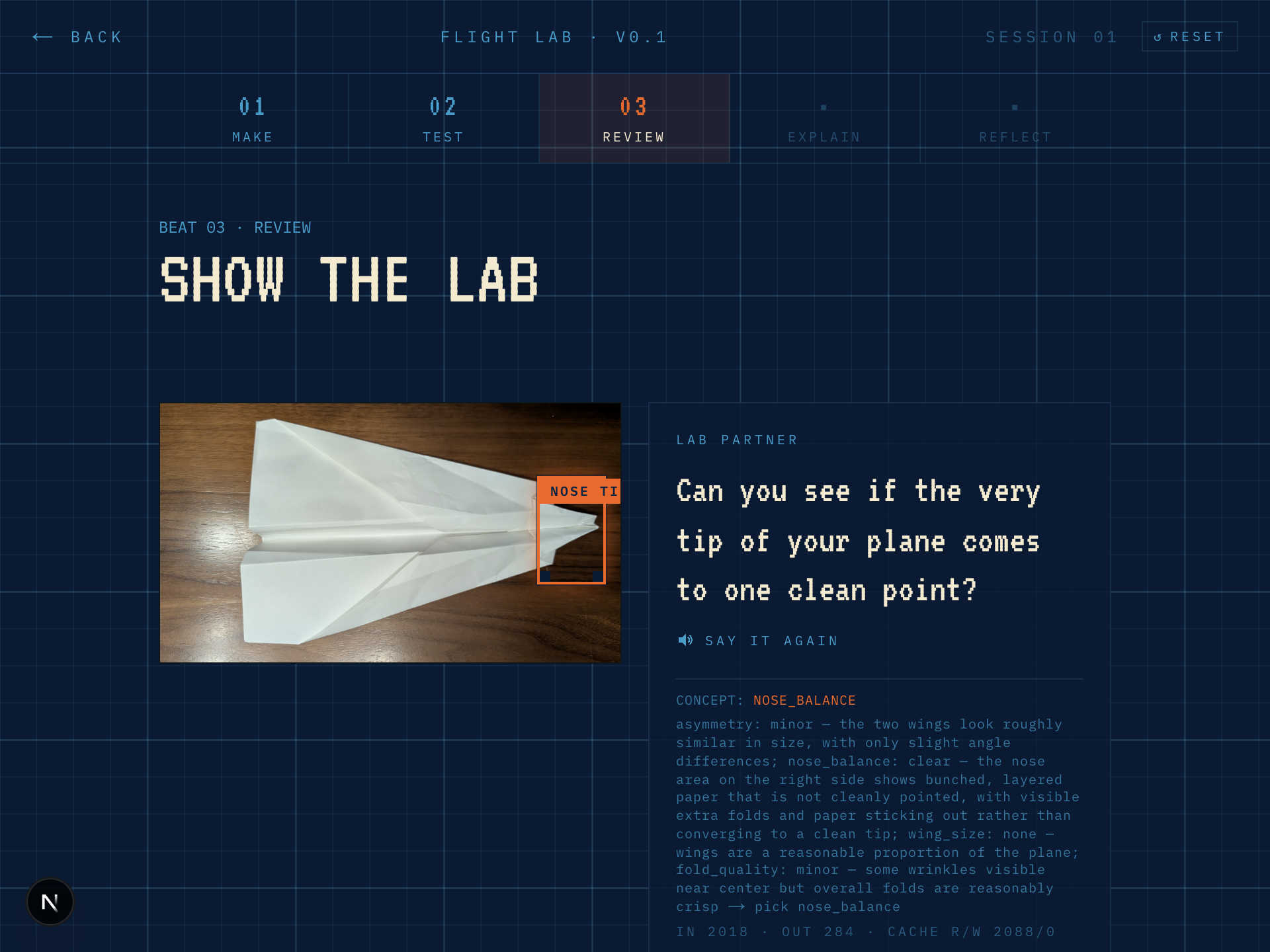
Physics is the protagonist. AI is plumbing.
- Learning science
- Interesting-but-extraneous material — mascots, decoration, unrelated animation — measurably reduces learning even when it increases engagement. The subject matter, not the delivery system, is what belongs on stage.
- In the demo
- Learning as focal point. No mascot, no badges, no 'AI-powered' chrome. One calm voice that belongs to the lab, not a character.
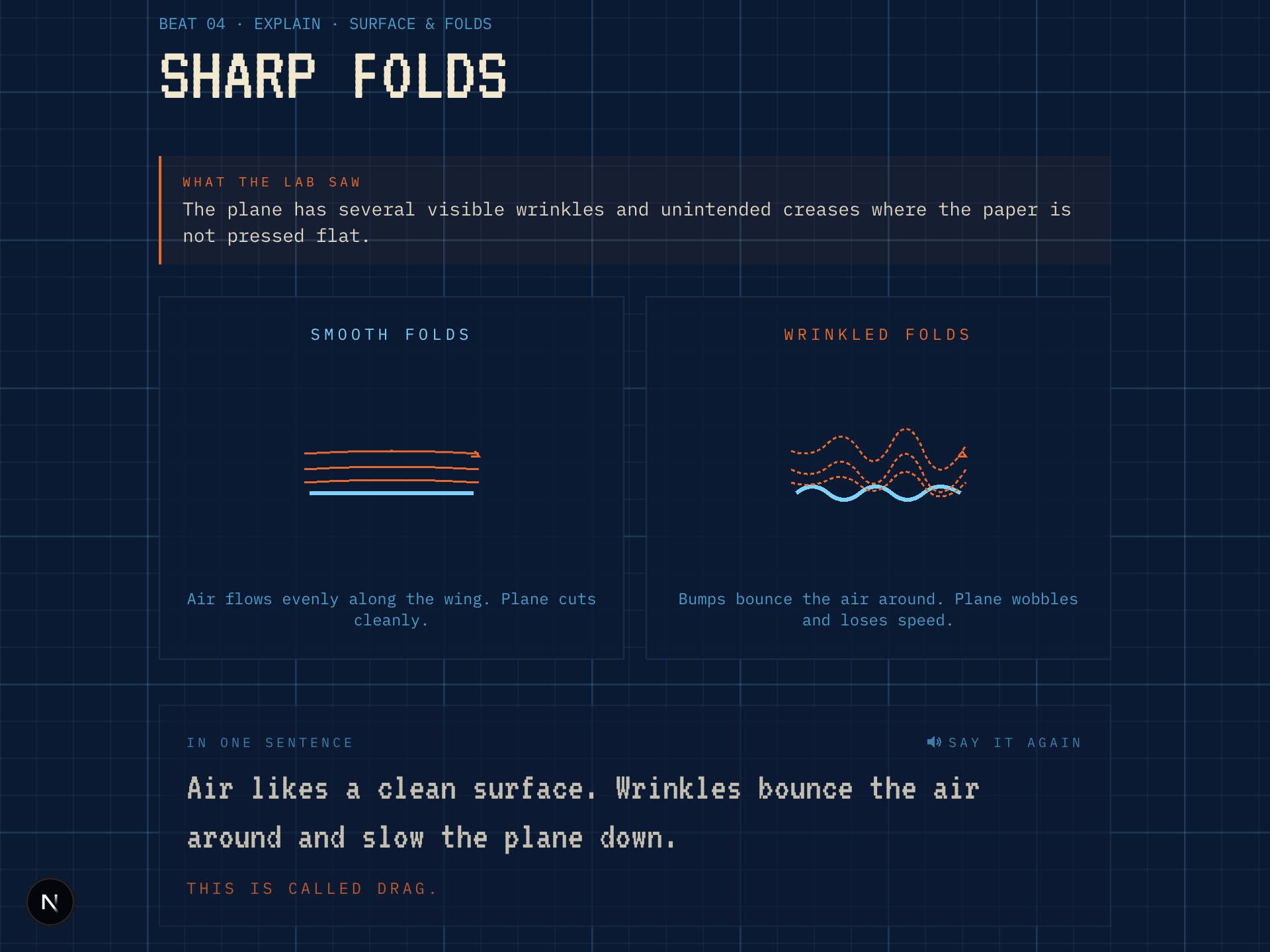
The learner leads. The grown-up is nearby.
- Learning science
- Intrinsic motivation rests on autonomy, competence, and relatedness; extrinsic rewards like points and badges can crowd it out. For young learners, a present adult is the single largest instructional multiplier — teacher–student relationships carry an outsized effect size in meta-analyses.
- In the demo
- Interest drives progress. No points, badges, or streaks — the plane flying is the reward. The goal picker (fly far, straight, loop, or just for fun) lets the child articulate their own intent before folding — the learner names the want; the product enables the exploration. Assumed unit is kid + caregiver, not kid alone. Caregiver view (planned) handles what an adult is uniquely good at.
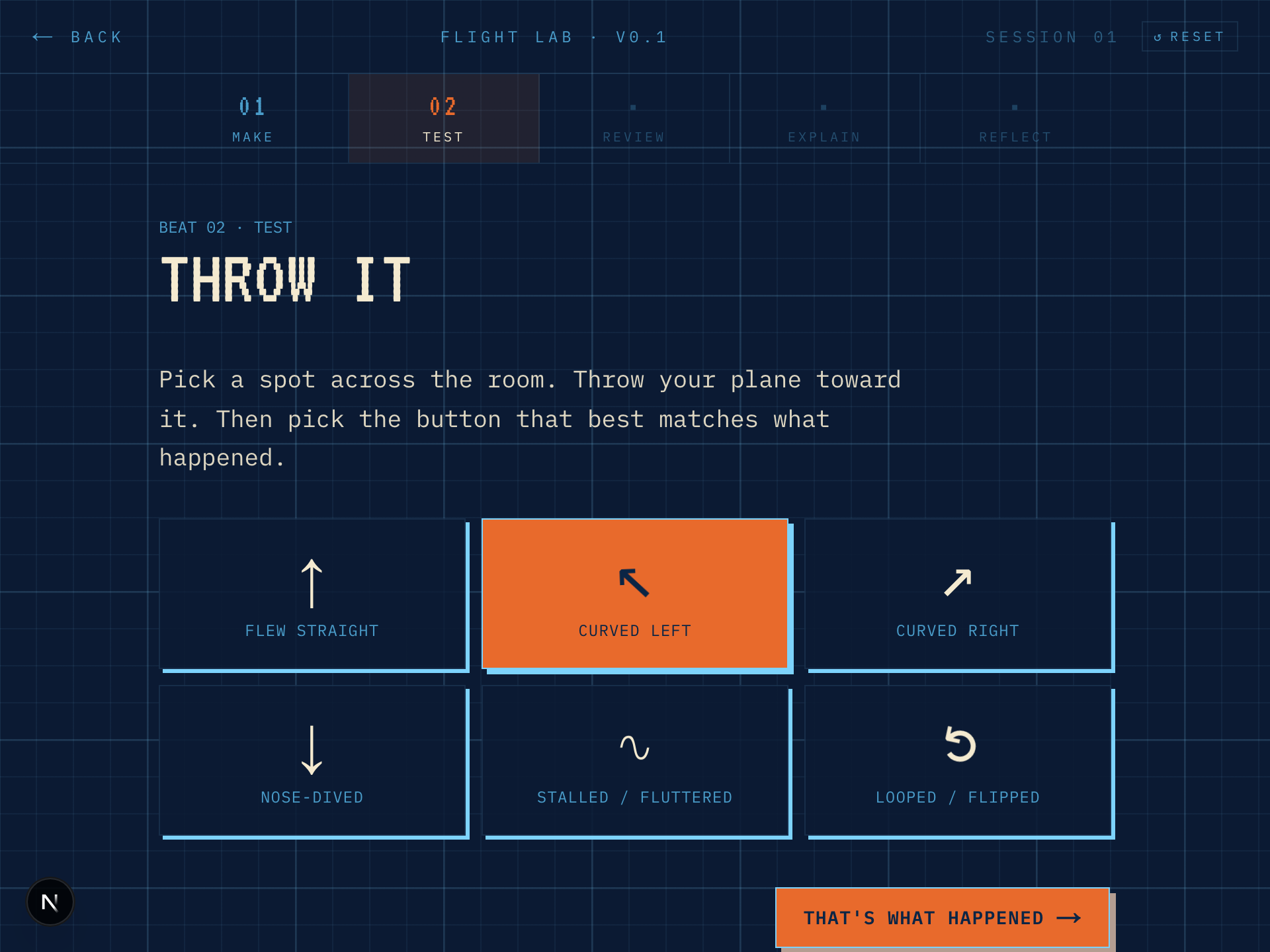
One concept per session.
- Learning science
- Working memory is a hard ceiling — instruction that exceeds it produces no learning, regardless of content quality. And distributing practice across sessions consistently outperforms cramming the same material into one.
- In the demo
- Tight core learning loop. Session 1 teaches asymmetry only. Lift is parked for Session 2. Spacing is handled by the app, not the caregiver.
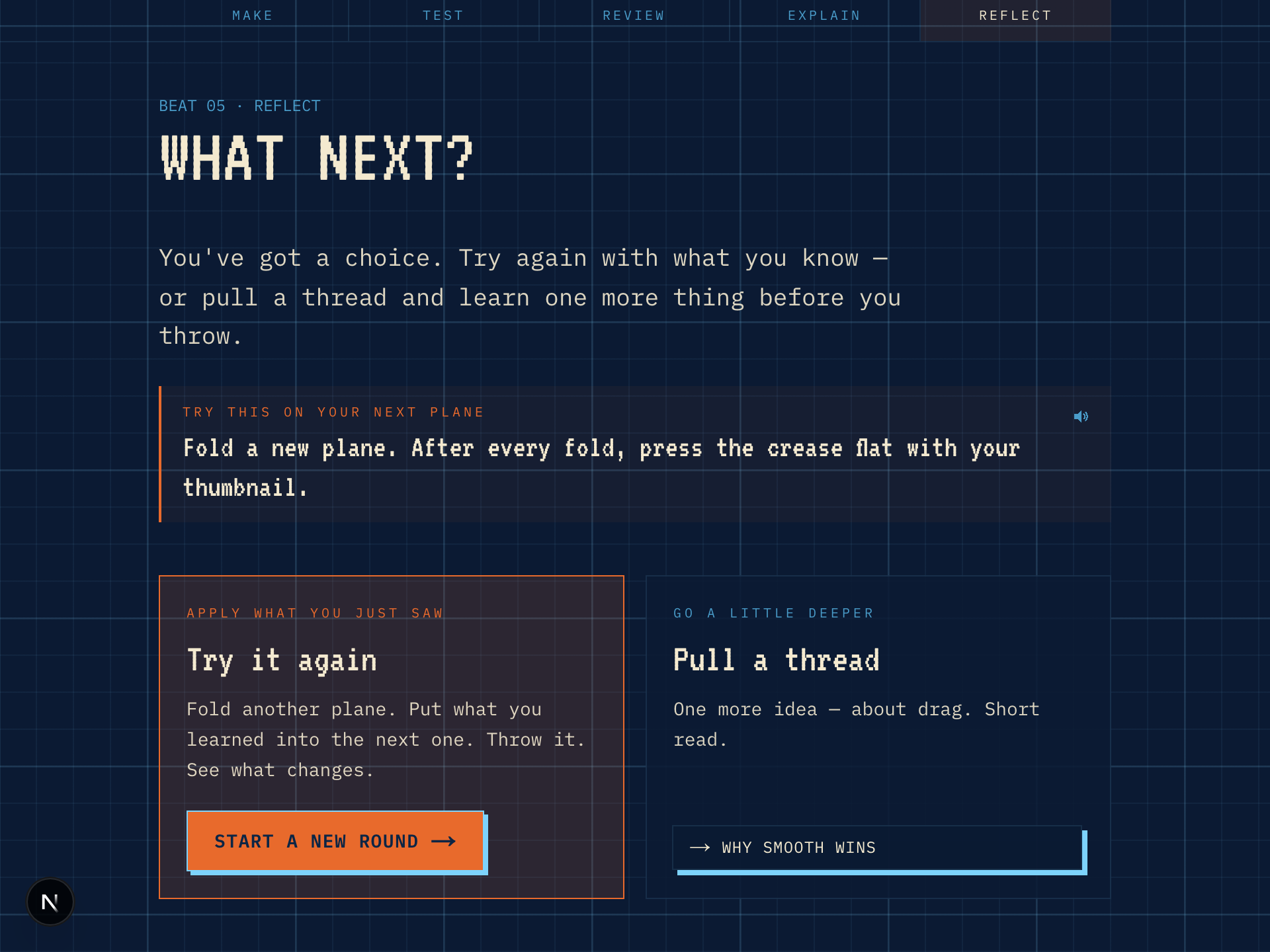
Predict first. Then look.
- Learning science
- Making a prediction before receiving feedback amplifies learning. Committing to an answer — even a wrong one — creates a prediction error that drives deeper encoding. Retrieval practice compounds this: the act of trying to recall or infer is itself the learning event, not merely a test of it. Over time, the kid begins producing the 'what do I think caused that?' move unprompted — which is the actual, durable goal.
- In the demo
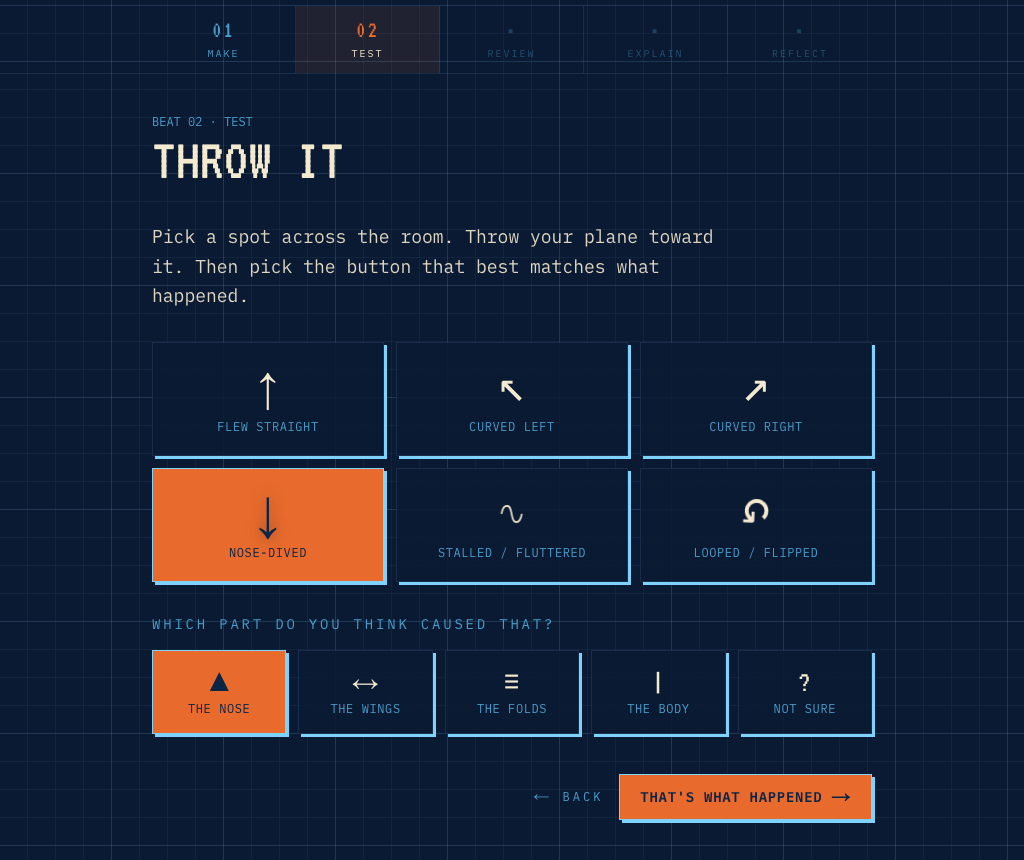
- Hypothesis before reveal. Before Claude explains what it saw, the child picks which part of the plane they think caused the behavior — nose, wings, folds, body, or unsure. The AI's concept then confirms or corrects a stated prediction, not a blank slate.
What's next + how it's built
- Near term
Video + flight-path judging
Record the flight. Claude identifies failure modes from motion — barrel roll, stall, tumble.
- Near term
Session 2+ of the curriculum
One concept per session. After asymmetry: weight distribution, wing area, surface disruption.
- Research
User testing with real 4–8 year olds
v0.1 tested with a 5yo — see the session above. v0.2 adds goal-setting and hypothesis capture; broader behavioural testing with more kids is the next validation step.
- Design
Caregiver view
A companion surface for the adult — what the kid tried, what concept surfaced, what to ask later.
- Framework
- Next.js 16 (App Router)
- Language
- TypeScript
- Styling
- Tailwind CSS v4
- AI
- Anthropic SDK — Claude vision
- Voice
- Gemini TTS (live)
- Deploy
- Cloudflare — flightlab.vincelaw.co
A note from Vince
I built this with Claude Code as a portfolio piece — a focused way to experiment with what AI in education should feel like when it's done with restraint.
This app is inspired by my 5-year-old kiddo, who has been really into paper airplanes. I've been teaching them about the physics of paper airplanes (drawing from my Mechanical Engineering background). The app is a hands-on learning experience for kids to understand the physics principles behind paper airplanes, using Claude computer vision to evaluate their designs.
In addition to showcasing the execution, every design decision here is grounded in learning science and my own philosophy on how AI-powered learning experiences should work. Specifically, I wanted to champion a structured friction approach: AI that demands rigor rather than reliance, in service of learner agency rather than dependency on the tool. The honest bar, for me: a kid who's more capable when the app is closed than when it's open. Anything less is displacement in a friendly voice — the tool doing the noticing, struggling, and articulating that is the learning.
If you want the category-level thesis — teacher empowerment, trust as a product feature, the purpose-built educational model, and why education is the community infrastructure of a post-AGI world — it's on the broader thinking page.
— Vince Law